
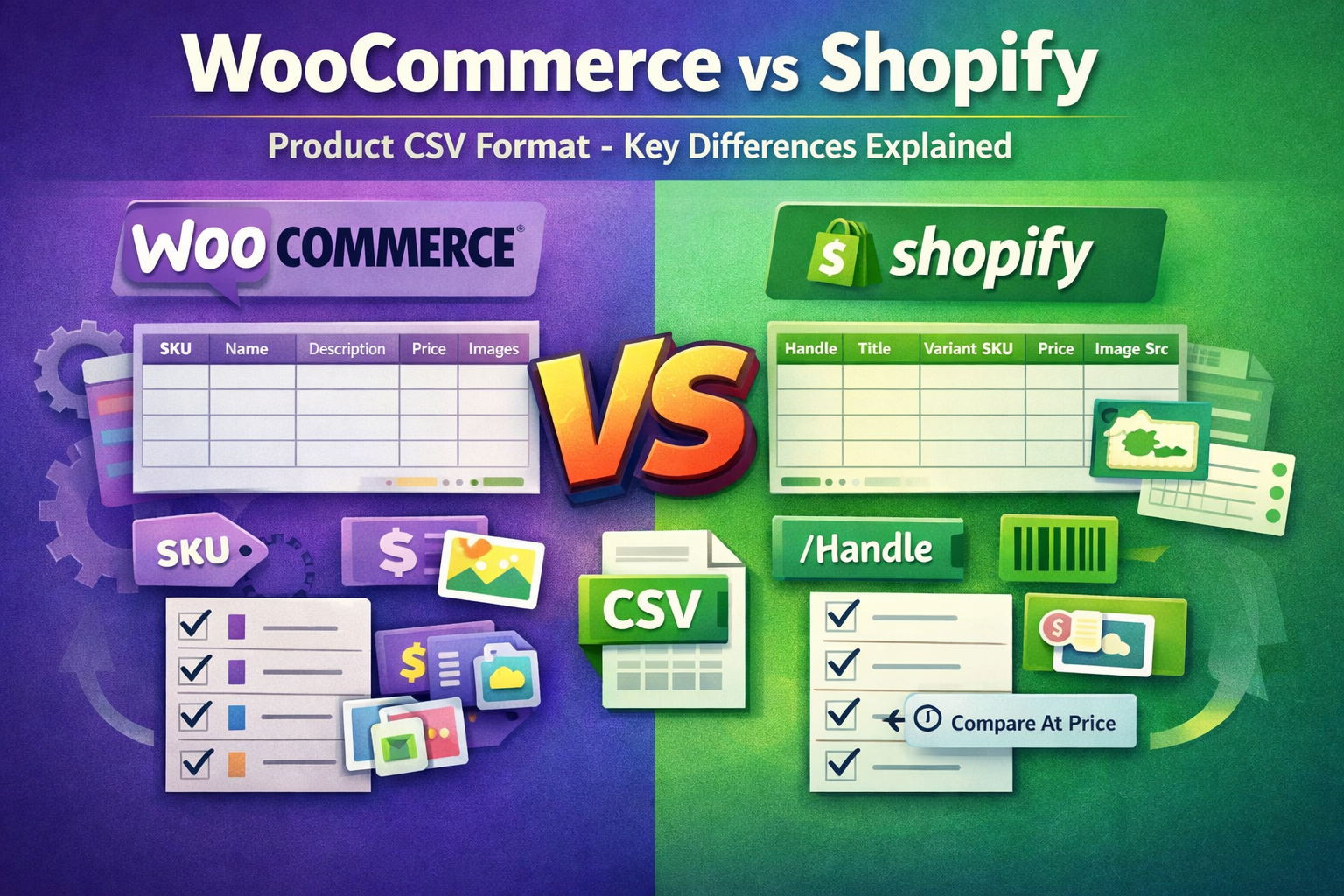
Managing large product catalogues requires efficient bulk upload systems, and CSV files are the backbone of this process in eCommerce. However, the structure of CSV files differs significantly between WooCommerce and Shopify, which often creates confusion during product uploads or migrations.In this guide, we explain the real differences between WooCommerce and Shopify product CSV formats, how each platform handles data, and what you need to know to avoid errors and improve efficiency.


WooCommerce vs Shopify CSV Overview
Both platforms allow bulk product uploads, but they follow different logic. WooCommerce is more flexible and easier for basic uploads, while Shopify uses a structured and controlled format designed for scalability and consistency.
WooCommerce Product CSV Structure
WooCommerce uses SKU as the primary identifier and allows multiple product details to be managed in a flexible format. It is easier to work with for quick uploads and bulk updates.- SKU (Primary product mapping)
- GTIN / UPC / EAN / ISBN
- Name (Product Title)
- Description
- Regular Price
- Sale Price
- Brand
- Images (multiple images in one cell)
Shopify Product CSV Structure
Shopify uses Handle (URL slug) as the main identifier and requires structured data for products, images, and variants. This makes it more powerful for scaling large stores.- Handle (Primary product identifier)
- Title
- Vendor
- Body (HTML)
- Image Src
- Image Position
- Variant SKU
- Variant Price
- Variant Compare At Price
- Cost per item
- Variant Barcode
Key Differences Between WooCommerce and Shopify CSV Format
- Product Mapping: WooCommerce uses SKU, while Shopify uses Handle (URL-based structure).
- Image Handling: WooCommerce allows multiple images in one field, whereas Shopify requires separate rows for each image.
- Product Title Field: WooCommerce uses "Name", Shopify uses "Title".
- Pricing Structure: WooCommerce uses Regular Price and Sale Price, Shopify uses Variant Price and Compare At Price.
- Variants: Shopify handles variants in a structured multi-row format, while WooCommerce is more flexible.
- Data Structure: WooCommerce is flexible, Shopify is strict but scalable.
Additional Fields for Bulk Product Upload
Beyond the main fields, both platforms support additional attributes that improve product organisation, filtering, and SEO performance.- Stock status (In stock / Out of stock)
- Categories and collections
- Product attributes (size, color, material)
- Custom metafields (Shopify)
- SEO title and meta description
Best Practices for CSV Product Upload
- Always validate CSV format before upload
- Keep SKU or Handle consistent across products
- Optimise product titles and descriptions for SEO
- Use clean image URLs
- Test uploads with small batches first
- Maintain structured data in Excel or Google Sheets
WooCommerce to Shopify Migration Tips
If you are migrating from WooCommerce to Shopify, your CSV file must be restructured to match Shopify’s format.- Convert product titles into Handle format
- Separate images into multiple rows
- Adjust pricing fields to Shopify format
- Rebuild product variants properly