
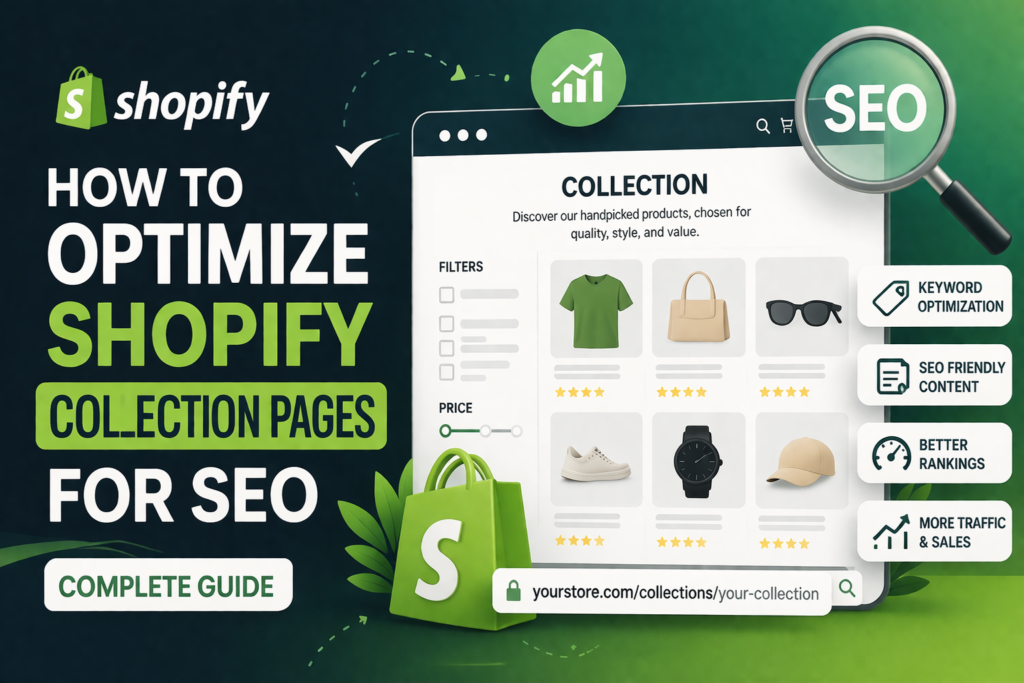
Shopify collection pages are one of the most powerful assets for driving organic traffic to your store. Unlike individual product pages, collection pages target broader keywords and help users explore multiple products in one place. When optimized correctly, they can rank for high-volume search terms and significantly increase conversions.
This complete guide explains how to optimize your Shopify collection pages using proven SEO strategies, structured content, and user-focused improvements.
Why Collection Page SEO Matters
Collection pages act as category-level landing pages. They help search engines understand your product structure and improve internal linking.
- Targets broader keywords: Example: “frying pans” instead of individual product names
- Improves site structure: Organizes products into logical groups
- Enhances user experience: Helps users find products faster
- Boosts crawlability: Makes it easier for search engines to index products
Keyword Research for Collection Pages
Start by identifying the right keywords for each collection. Focus on high-intent and long-tail variations.
- Use tools like Google Keyword Planner or Search Console
- Target keywords with buying intent (e.g., “buy non-stick pans online”)
- Include location-based keywords if relevant
- Analyze competitor collection pages
Choose one primary keyword and 2–3 supporting keywords per collection page.
Optimize Collection Page Title & Meta Description
Your title and meta description directly impact click-through rates and rankings.
- Title: Include primary keyword naturally (e.g., “Non-Stick Frying Pans – Durable & Easy Cooking”)
- Meta Description: Write compelling, benefit-driven text
- Keep title under 60 characters and description under 160 characters
Create SEO-Friendly Collection Descriptions
Most Shopify stores ignore collection descriptions, but they are critical for ranking.
- Add 150–300 words of unique, helpful content
- Place a short intro at the top
- Add detailed content below the product grid
- Use headings (H2, H3) for structure
- Include keywords naturally without stuffing
Focus on helping users understand the product category rather than just adding text for SEO.
Optimize URL Structure
Clean and simple URLs improve both user experience and search rankings.
- Use short, keyword-rich URLs (e.g., /collections/frying-pans)
- Avoid unnecessary parameters and filters in indexed URLs
- Keep URLs consistent across your site
Use Internal Linking Strategically
Internal links help distribute authority and guide users through your store.
- Link related collections together
- Add links from blogs to collection pages
- Use descriptive anchor text
- Include breadcrumb navigation
Optimize Product Listings Within Collections
The products inside your collection also affect SEO performance.
- Use high-quality images with alt text
- Ensure product titles are keyword optimized
- Add clear pricing and availability
- Avoid duplicate products across multiple collections without structure
Improve Page Speed & Mobile Experience
Performance is a ranking factor and directly impacts conversions.
- Compress images and use modern formats
- Limit heavy apps and scripts
- Choose a fast Shopify theme
- Optimize for mobile-first experience
Add Filters Without Creating Duplicate Content
Filters improve usability but can create SEO issues if not handled correctly.
- Use noindex for filtered URLs
- Avoid indexing parameter-based URLs
- Keep main collection pages as canonical
Use Schema Markup for Better Visibility
Structured data helps search engines understand your content and improves rich results.
- Add product schema for listings
- Use breadcrumb schema
- Include FAQ schema where relevant
Common Mistakes to Avoid
- Leaving collection pages without content
- Keyword stuffing in descriptions
- Ignoring mobile optimization
- Not using internal links
- Indexing filtered URLs incorrectly
Advanced Tips to Boost Rankings
- Create supporting blog content linking to collections
- Add user-generated content like reviews
- Use long-tail keyword variations naturally
- Update collection content regularly
Conclusion
Optimizing Shopify collection pages is essential for long-term SEO success. By focusing on structured content, keyword targeting, technical SEO, and user experience, you can turn your collection pages into powerful traffic and conversion drivers.
Consistency and continuous improvement are key—monitor performance, update content, and refine your strategy over time.
Frequently Asked Questions
How long should a Shopify collection description be?
A collection description should ideally be 150–300 words, providing useful and relevant information without overloading keywords.
Can collection pages rank better than product pages?
Yes, collection pages often rank for broader, high-volume keywords, while product pages target more specific queries.
Should I add content above or below products?
Use a short intro above products and place detailed SEO content below the product grid for better user experience.
Do filters affect Shopify SEO?
Yes, if not handled correctly, filters can create duplicate content issues. Proper use of noindex and canonical tags is essential.
How often should I update collection pages?
Update collection pages regularly, especially when adding new products, improving content, or targeting new keywords.