
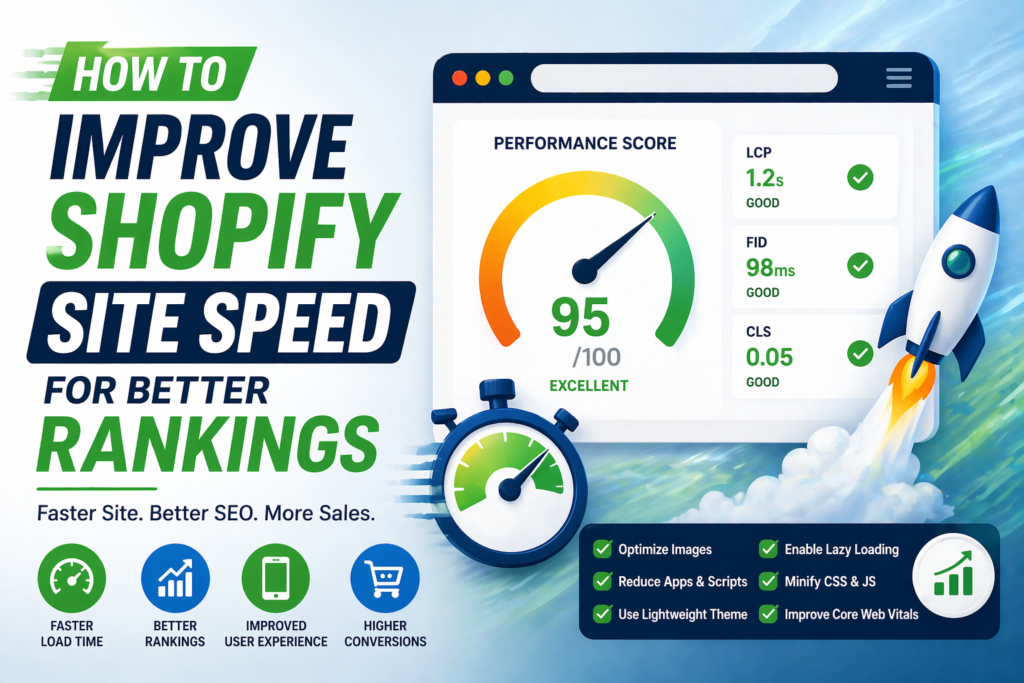
Site speed is one of the most important factors in Shopify SEO and overall store performance. A slow website not only affects search rankings but also reduces conversions and increases bounce rates. In today’s competitive eCommerce environment, users expect fast-loading pages across all devices.
This guide explains how to improve your Shopify site speed using practical, proven strategies that enhance both SEO performance and user experience.
Why Site Speed Matters for Shopify SEO
Search engines consider page speed as a ranking factor. Faster websites provide a better user experience, which directly impacts SEO signals.
- Improves search engine rankings
- Reduces bounce rates
- Increases conversion rates
- Enhances mobile performance
Common Causes of Slow Shopify Stores
Before optimizing, it’s important to understand what slows down your store.
- Large, unoptimized images
- Too many apps and scripts
- Heavy or poorly coded themes
- Excessive third-party integrations
- Unused or duplicate code
Step 1: Optimize Images Properly
Images are often the largest files on a Shopify store and a major cause of slow loading.
- Compress images before uploading
- Use modern formats like WebP where possible
- Resize images to the required dimensions
- Avoid uploading unnecessarily large files
Step 2: Remove Unused Apps
Every app you install adds scripts that can slow down your site.
- Audit installed apps regularly
- Remove apps you no longer use
- Check for leftover code after uninstalling apps
Step 3: Choose a Lightweight Theme
Your theme plays a major role in site speed.
- Use a well-coded, performance-optimized theme
- Avoid themes with excessive animations or features
- Keep design clean and minimal
Step 4: Minimize JavaScript and CSS
Large scripts can block page rendering and slow down loading.
- Remove unused CSS and JavaScript
- Minify code where possible
- Load scripts asynchronously when supported
Step 5: Enable Lazy Loading
Lazy loading ensures that images load only when they are visible on the screen.
- Improves initial page load time
- Reduces unnecessary resource loading
- Enhances user experience
Step 6: Optimize Fonts and Icons
Fonts and icons can also affect performance if not optimized.
- Limit the number of font families
- Use system fonts where possible
- Avoid loading multiple font weights unnecessarily
Step 7: Reduce Redirects
Too many redirects can slow down page loading.
- Avoid redirect chains
- Keep URL structure clean
- Use direct links whenever possible
Step 8: Improve Mobile Performance
Most Shopify traffic comes from mobile devices, so mobile speed is critical.
- Optimize images for mobile screens
- Use responsive design
- Avoid heavy popups and overlays
Step 9: Monitor Core Web Vitals
Core Web Vitals are key metrics that measure real user experience.
- Largest Contentful Paint (LCP)
- First Input Delay (FID)
- Cumulative Layout Shift (CLS)
Improving these metrics helps boost both rankings and usability.
Common Mistakes to Avoid
- Using too many apps without performance checks
- Uploading large, uncompressed images
- Ignoring mobile optimization
- Overloading pages with animations and effects
- Not testing speed regularly
Conclusion
Improving Shopify site speed is essential for both SEO and user experience. By optimizing images, reducing unnecessary scripts, choosing the right theme, and monitoring performance metrics, you can significantly enhance your store’s speed and rankings.
Consistent optimization and regular performance checks will ensure your store stays fast, competitive, and ready for growth.
Frequently Asked Questions
Does site speed affect Shopify SEO?
Yes, site speed is a ranking factor and directly impacts user experience and conversions.
What is a good Shopify page speed score?
A good score is typically above 80 on performance tools, but real user experience matters more.
Do apps slow down Shopify stores?
Yes, too many apps can add scripts and increase load time if not managed properly.
How often should I check site speed?
You should monitor site speed regularly, especially after adding apps or making design changes.
Can I improve speed without coding?
Yes, many improvements like image optimization and app management can be done without coding.